P2P-first connections
Your own devices connect directly whenever the network allows it. A relay is used only when it has to be, and every switch between the two is shown to you, so the route is never a black box.
 Astropath
Set up sessions between your own devices.
Bring the remote desktop back to
simple,
direct and clear.
This section compares one remote session rendered under two quality settings. Drag the divider to move it: the left side shows the compressed picture, the right side shows the uncompressed one.
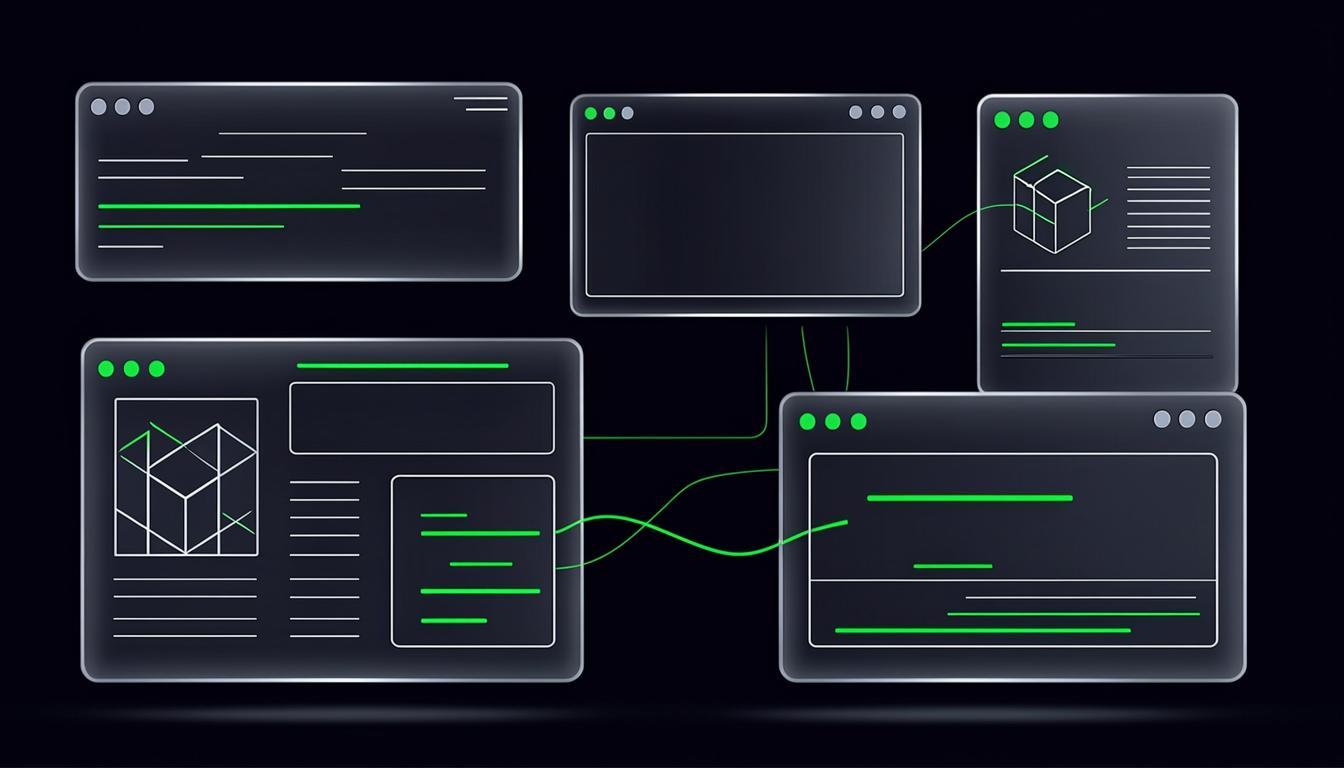
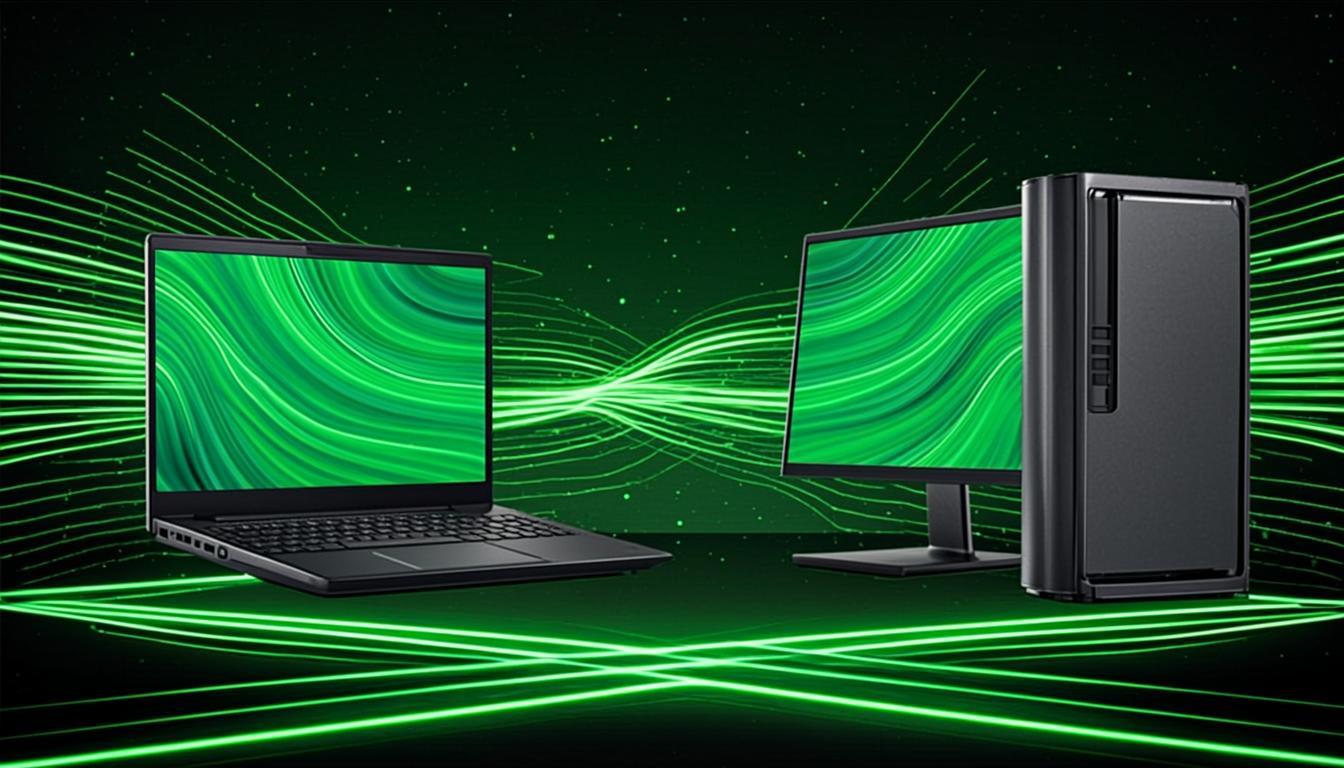
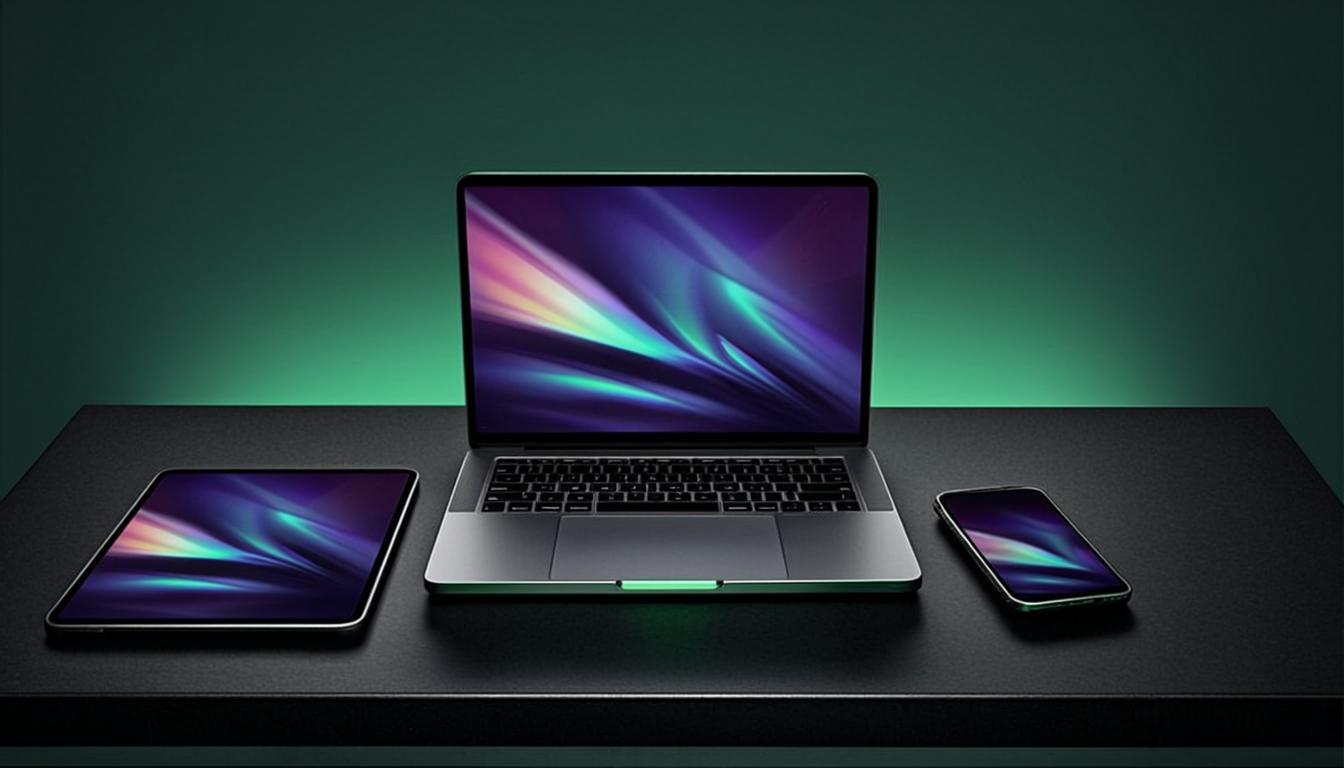
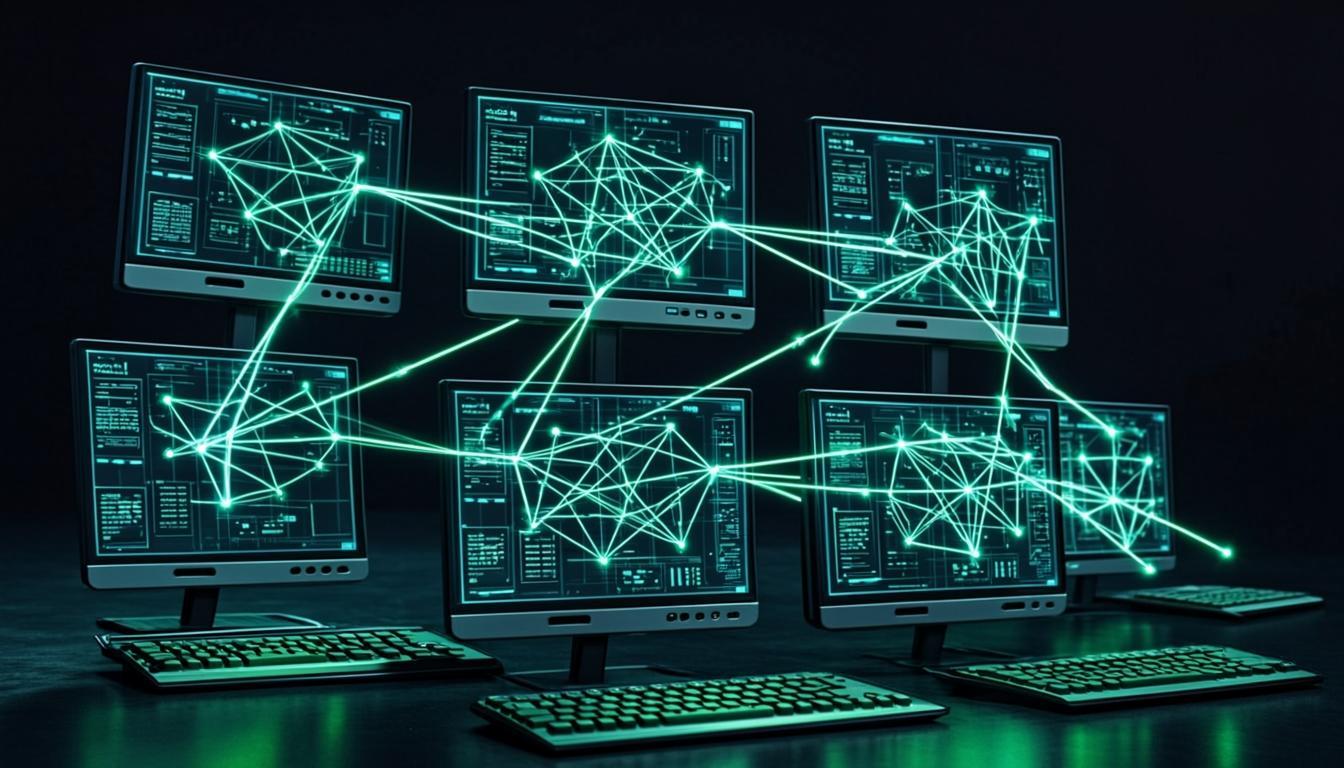
The content stays at the visual centre and unrelated noise is removed, so the work you came to do is the only thing you have to look at.
Slide 1 of 3
Only defined boundaries are described here; fuller material follows once verified.
Your own devices connect directly whenever the network allows it. A relay is used only when it has to be, and every switch between the two is shown to you, so the route is never a black box.
No virtual network adapter is created, no system-level proxy is installed, and the network you already use is never taken over, rerouted or watched by anything Astropath puts on your machine.
Direct, fallback and recovery are three different states, and the interface tells them apart, so the connection is never something you have to guess at while it runs.
Placeholder quote. Replace this with a verified customer statement before the section ships — no named customer, company, job title or case link may appear here until one exists and has been cleared for use on this site.

To be added
Name and title to be added
Placeholder quote. Replace this with a verified customer statement before the section ships — no named customer, company, job title or case link may appear here until one exists and has been cleared for use on this site.
To be added
Name and title to be added
Placeholder quote. Replace this with a verified customer statement before the section ships — no named customer, company, job title or case link may appear here until one exists and has been cleared for use on this site.
To be added
Name and title to be added
Slide 1 of 3
Go back to the desktop, the files and the peripherals you already know, from whichever device you happen to be carrying with you that day.
Pick a platform, install it, then sign in.
Keep the environment you work in reachable for the times when you have to step away from the machine but not away from the work itself.
Check how that machine reaches the network first.
Work out how it connects, what it deliberately does not touch, and which of its states are always told to you in plain language.
Network mode, security and common questions: see the FAQ.
Placeholder card: there is no fourth usage path with a capability or a page behind it yet, so this slot only keeps the grid geometry it sits in.
Replace this once the destination page exists.